
Design system & App design
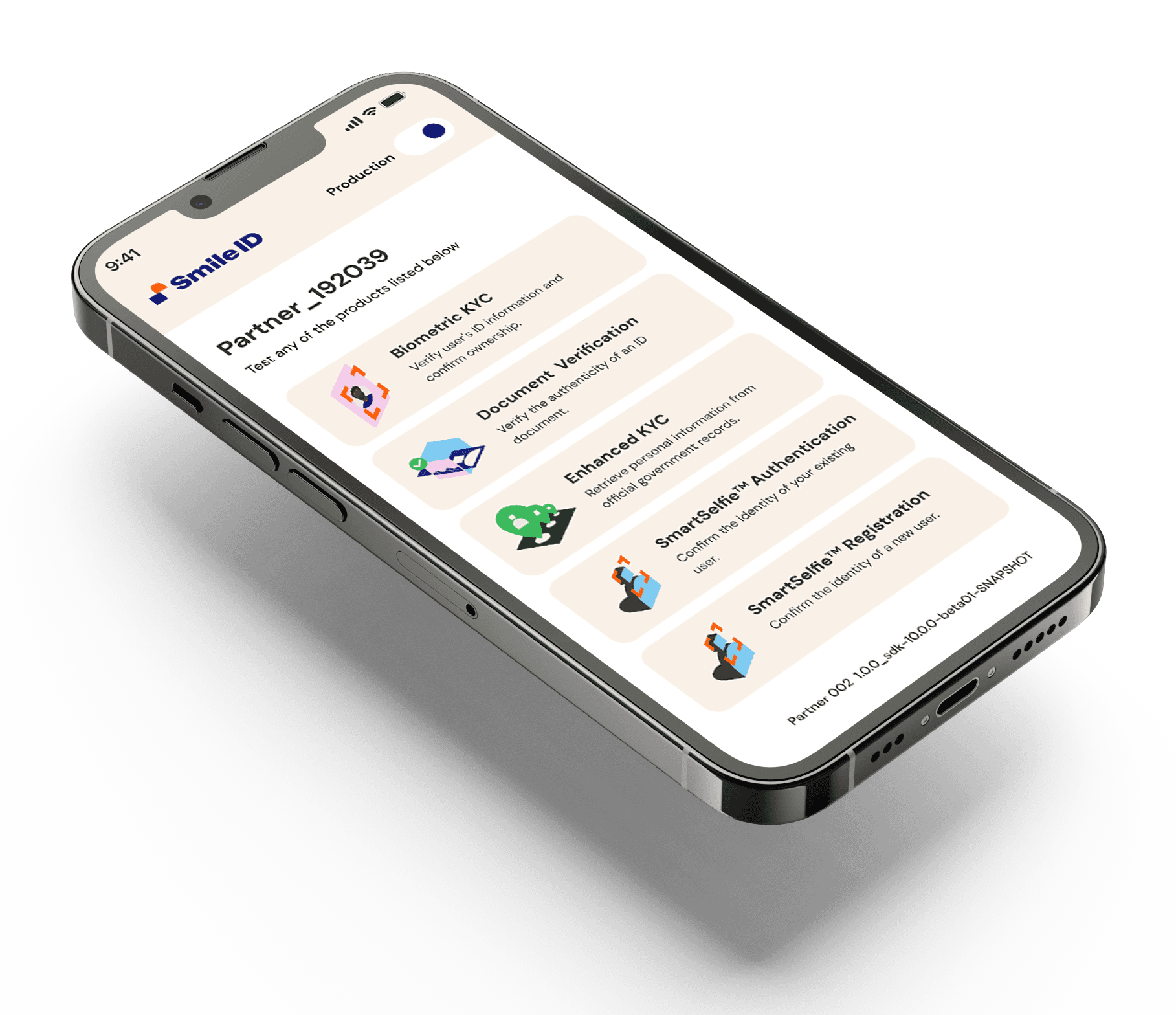
In short
- Problem
- Identity verification gave users little feedback, unclear recovery, and poor performance on low-end devices, with no shared patterns across products.
- My role
- Sole designer initially. I audited the products, established the interaction and visual patterns, and supported implementation.
- Key decision
- Build reusable interaction standards from the new brand direction rather than redesigning screens independently.
- Outcome
- Successful verifications up 35%, typical verification time down from roughly 10-15 minutes to 3-4, and reusable patterns adopted across the surfaces in scope.
OVERVIEW
Smile ID is Africa's leading digital identity verification, fraud detection, anti-money laundering, and KYC compliance solution for businesses scaling across the continent. It is a B2B company operating in about 10 countries, headquartered in London.
I joined as the sole product designer, leading several product directions backed by extensive user research. The company had just rebranded when I joined, and I picked up the brand guidelines from the London-based agency contracted at the time.
My Role & Ownership
Sole Product Designer
I owned product design strategy across mobile and web SDKs, leading research, interaction design, and delivery while partnering with AI, data, and engineering teams.
The Problem
When Smile ID decided to rebrand, it partnered with a London-based creative agency on the new brand identity.
As the sole product designer, I briefed the agency on how Smile ID works, the problems in the current app, and what users had told us. Once the final brand guidelines landed, I took on the redesign: three months building a design system on the new identity, redesigning every app screen, rebuilding the assets, and working with developers through to launch.
User Research
We rebranded the mobile and web SDKs because the original app was built from a template. It did not meet our users' needs, it presented information poorly, and identity verification took about 15 minutes.
I began with a full app audit, running sessions with PMs, engineers, and the data and AI teams to understand our constraints, how best to approach the design, and how to make the work efficient for engineering, given a small team serving more than 200 businesses and millions of their customers.
Here are some of my findings:
- Millions of people, our customers' own consumers, use our products to verify their identity, and it takes them 10 to 15 minutes.
- Our customers' engineers find our products hard to integrate into their systems.
- The testing app's UI looks dated, which makes it sit awkwardly once integrated.
- Most of our users are on low-end devices, and the original template does not hold up across them for identity verification.
- The way information was presented confused our users.
Insights
After the audit, including user interviews, contextual inquiry and analysis of the data, I grouped the insights into three categories.

Technical issues
- Instances where the service is temporarily unavailable due to server or network issues.
- Errors or slow responses from API calls, affecting the reliability of verification.
UI/UX issues
- Customers struggle to understand or complete the verification steps because the design is complicated and unintuitive.
- Lack of real-time feedback or error messages during steps like image upload or biometric capture, leaving users unsure if they are doing it correctly.
Operational issues
- Increased rejections due to image quality, lighting issues, or document clarity, leading to user frustration.
- Lack of support for various types of ID documents or multiple languages, limiting usability across regions.
User Profile
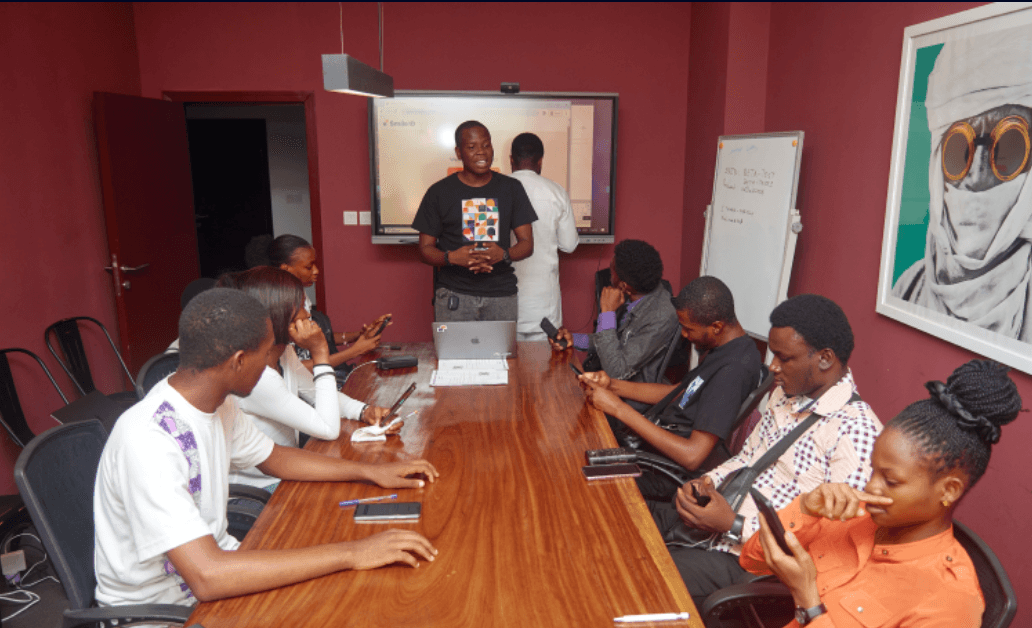
The testing sessions made clear how differently people use the app. We gathered young participants on a range of devices and watched them verify their identity with our product.
1. Participants physically present in our office.
Age range: 20-30 | Devices: iPhone, Android, Windows devices | Uses Whatsapp, Messenger, Facebook, Gmail, Twitter, Instagram
Tasks performed:
1. Account Setup and Onboarding
- Create an Account: Users would register for a new account, testing the ease of the sign-up process.
- Accept Privacy Policies: Users review and accept terms and conditions, evaluating the clarity of information on data use and privacy.
2. Document Submission
- Upload a Government-Issued ID: Users upload an ID (e.g., passport, driver's license) to test the system's ability to handle different document types and image quality requirements.
- Capture and Submit Images: Users take and submit a live photo or a photo of their ID within the application to assess clarity instructions and ease of submission.
- Upload Additional Documents: Users upload supporting documents (e.g., utility bill for address verification) to test multi-document handling.
3. Biometric Verification
- Facial Recognition Test: Users complete a facial recognition scan, assessing the ease of capturing high-quality images and the system's accuracy.
- Liveness Detection: Users are asked to perform certain actions (e.g., blink, turn their head) to test liveness detection, ensuring that it accurately distinguishes real users from photos or videos.
Conceptualisation
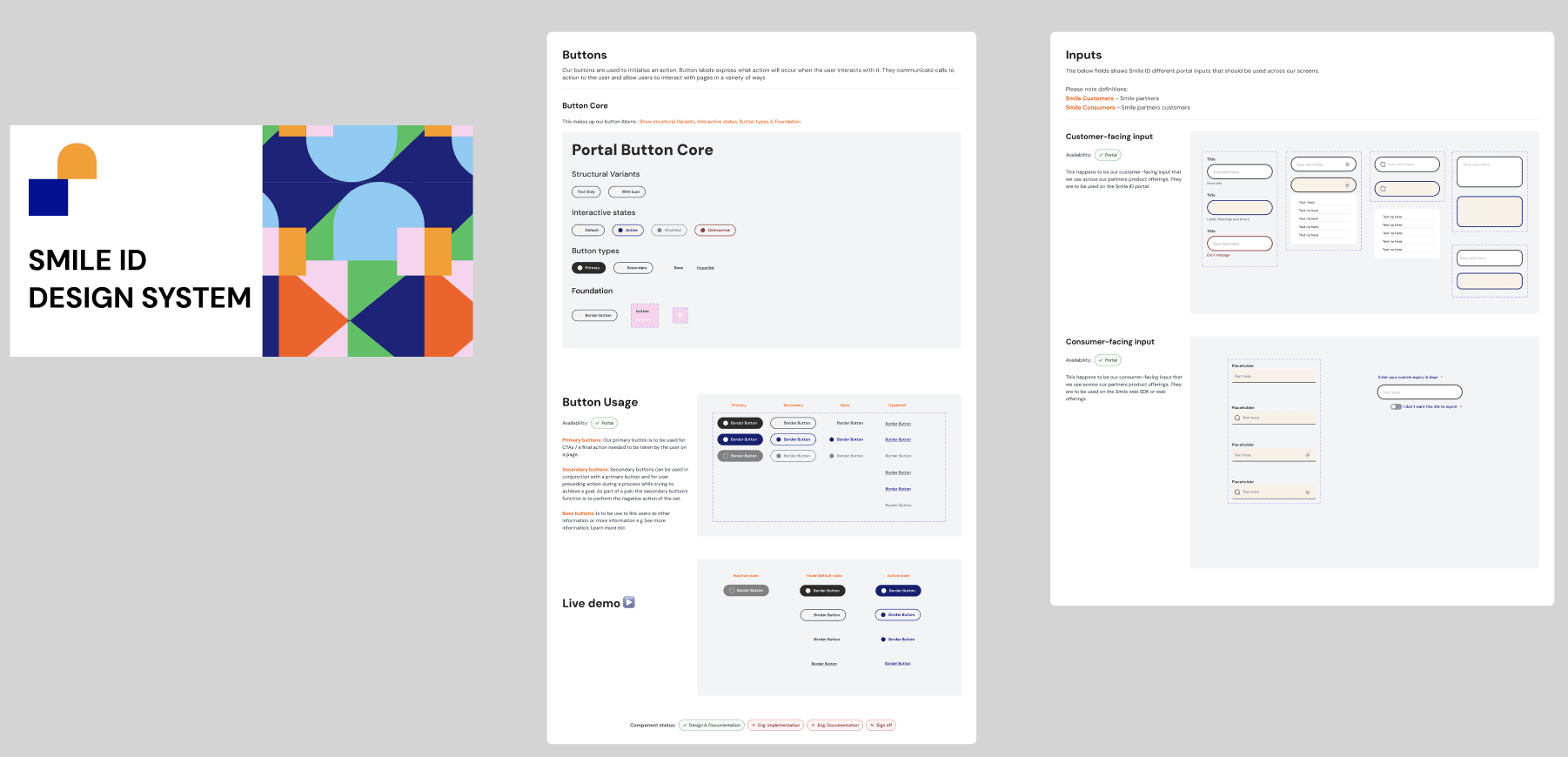
I built a design system for Smile ID to make the design process consistent, scalable and efficient, and to give the designers after me a foundation that holds brand alignment and speeds up development.
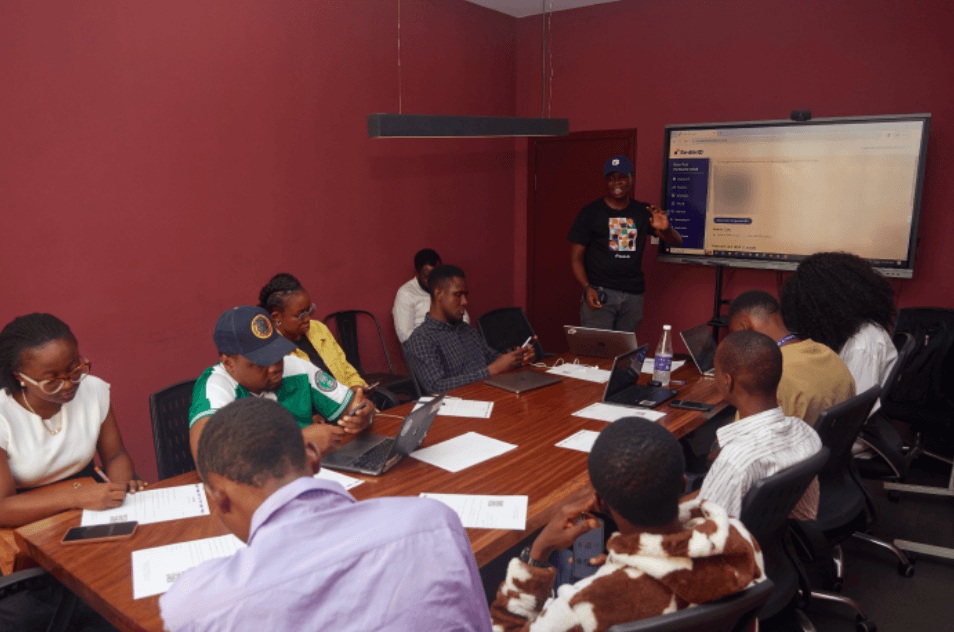
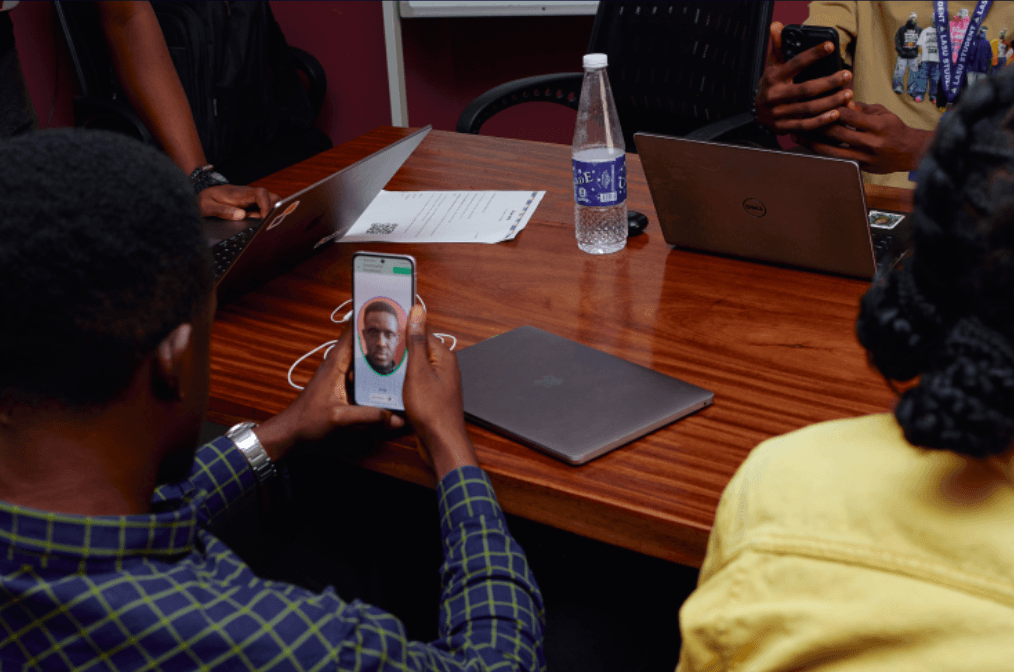

Fig: Footage of Smile ID B-testing session in 2023 I conducted during the audit
The solution
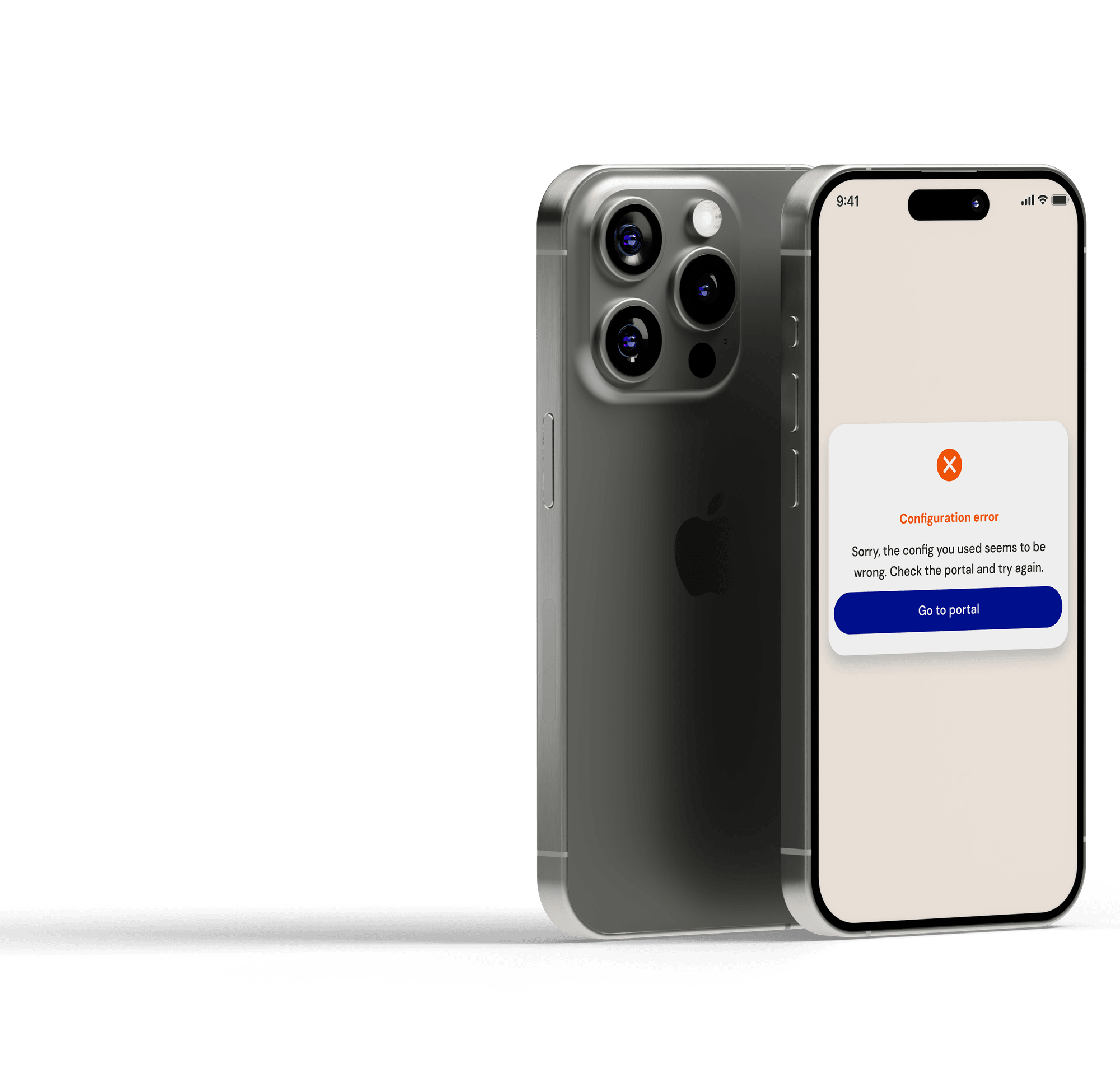
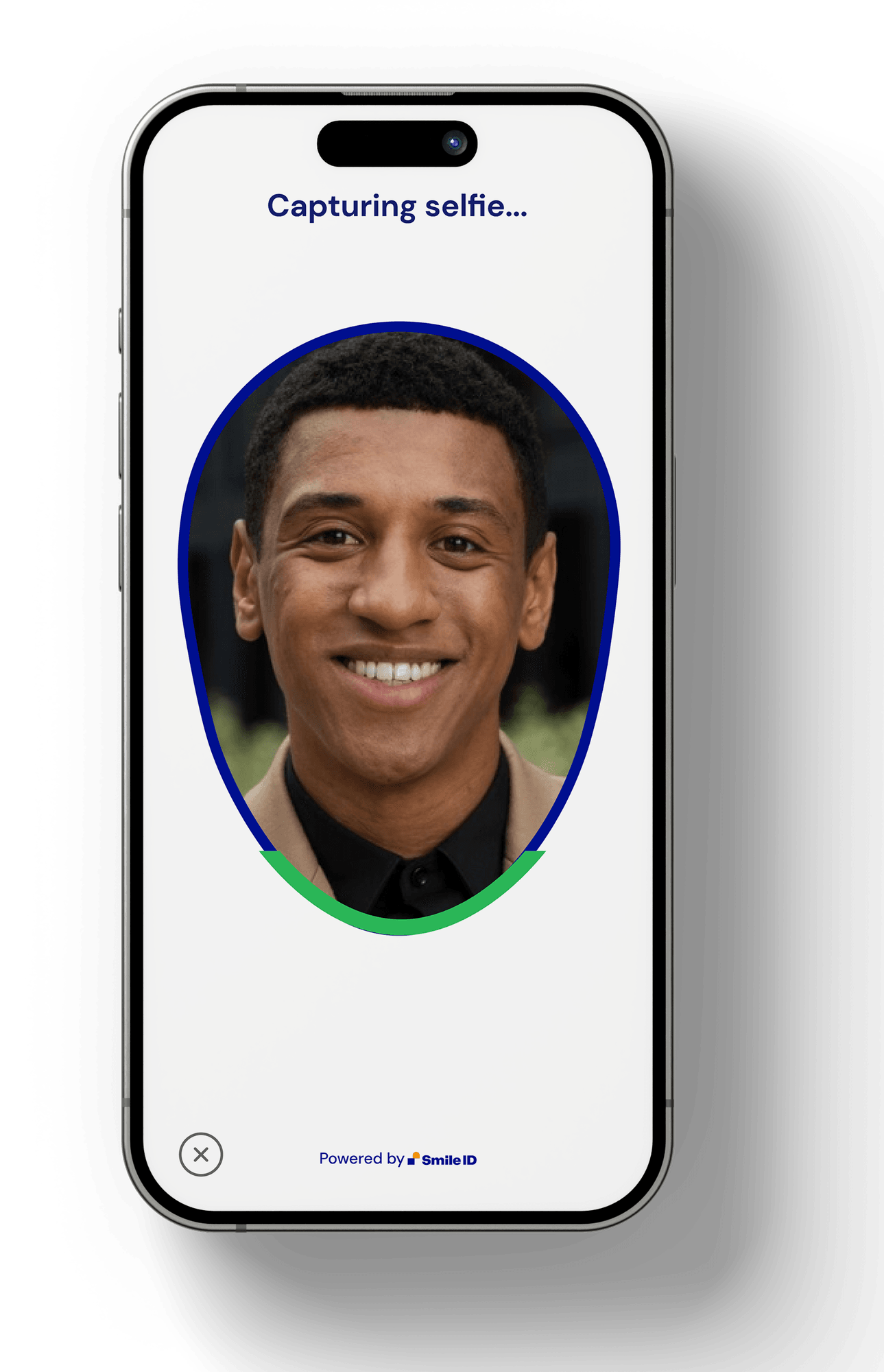
Technical considerations shaped the high-fidelity design, since the product runs on AI and machine learning. That meant working closely with engineering to keep the design within what was technically possible and to get the most out of the product's capabilities.
Leadership & Influence
- Acted as design owner across multiple product surfaces
- Set design quality and accessibility standards
- Influenced roadmap prioritisation through research insights
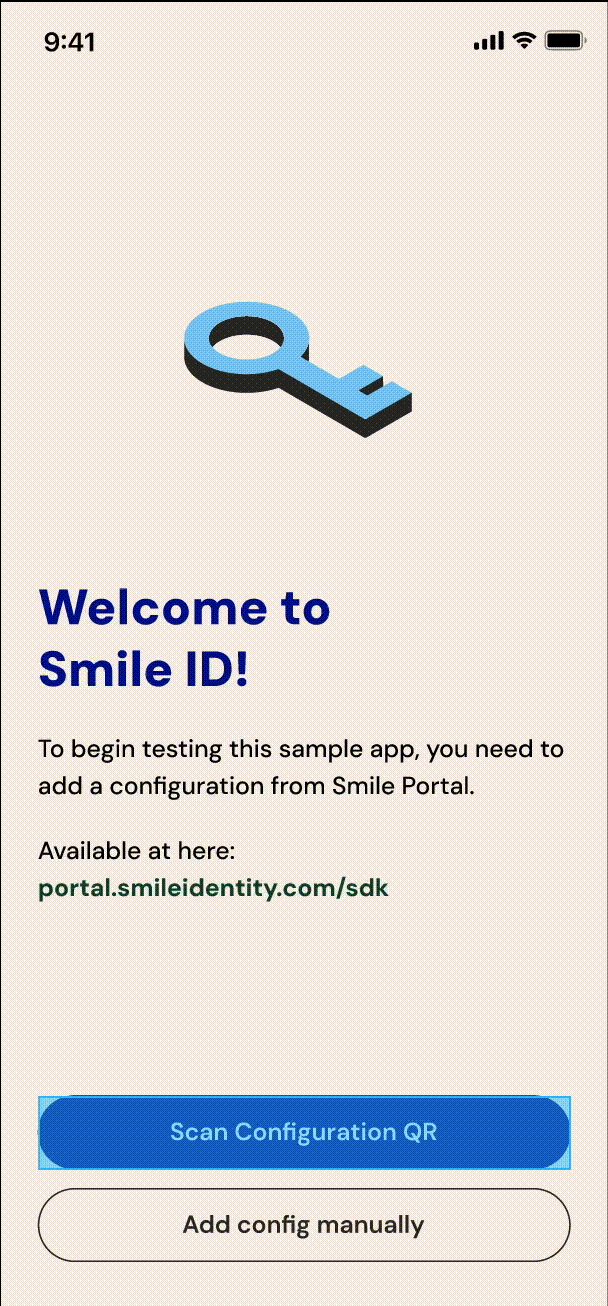
Testing mobile app design
An overview of the testing app design, which went to the design team and was approved.
Web Onboarding redesign
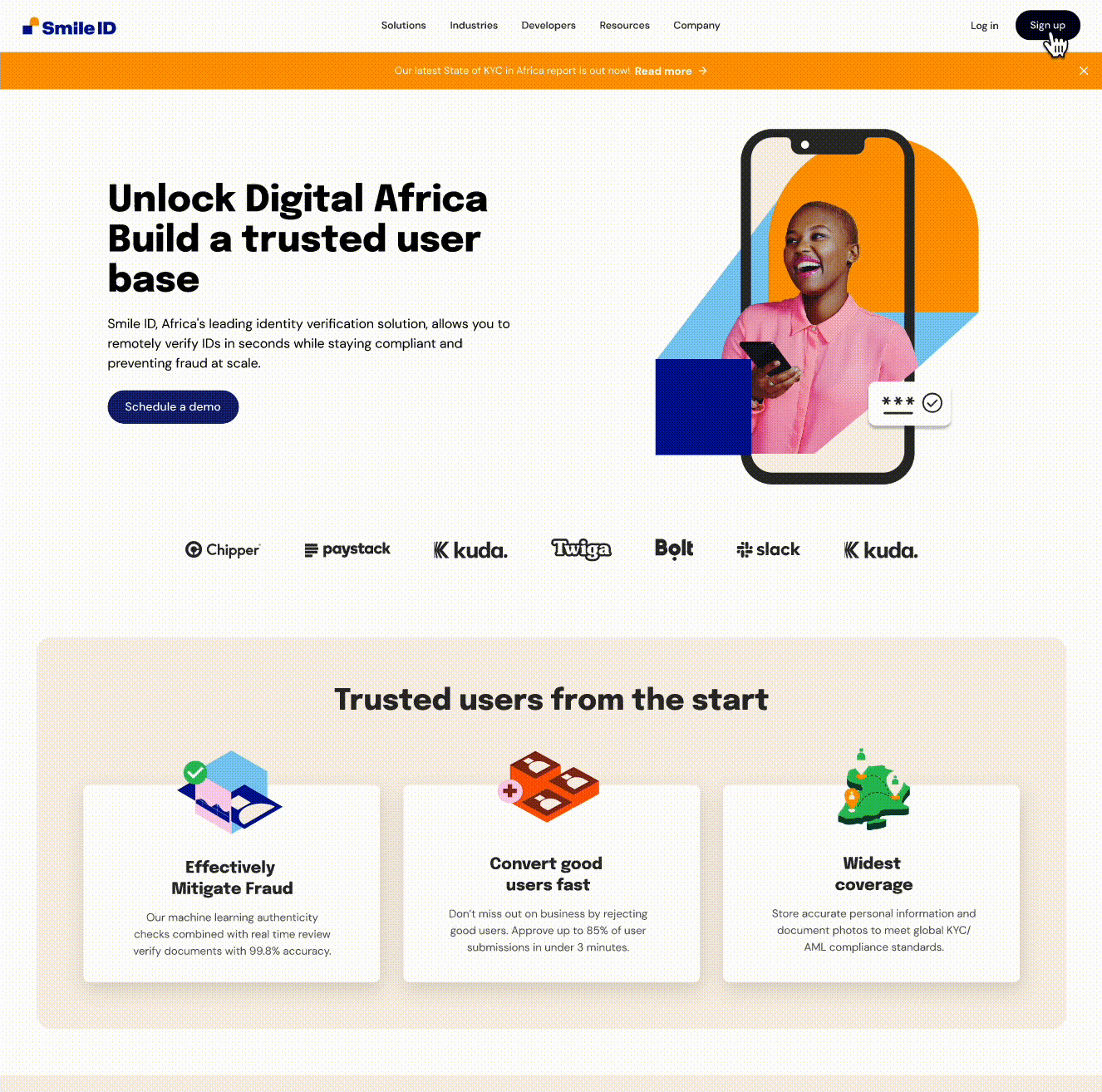
An overview of the high-fidelity web designs, which went to the design team and were approved.
Seeing Results
I ran several strategy sessions with stakeholders to make the case for design and explain the reasoning behind each proposed change across the product range, presenting primary and secondary research and tying each change back to user experience and business goals.
35% more successful verifications
Successful verifications increased by 35% during the measured period.
10-15 min to 3-4 min
Typical verification time reduced from approximately 10 to 15 minutes to 3 to 4 minutes.
40% new business acquisition
Commercial reporting recorded this during the relevant period. Acquisition was influenced by wider commercial activity, so this is a company outcome the redesigned integration experience supported.
Reusable patterns adopted
Across the product surfaces in scope.
Reflection
Evidence from product audits, usability testing and partner conversations helped me influence a direction that addressed both user-facing interactions and organisational consistency.
I would establish accessibility acceptance criteria and assistive-technology testing earlier, rather than relying primarily on general usability evidence and device-performance testing. As the design function developed, I would also introduce clearer governance for shared patterns earlier, including ownership, contribution guidance and implementation review.
Project Learnings
The Power of a User-Centred Approach
I learned that staying focused on the user's needs—through constant user testing and feedback loops—was crucial to delivering solutions that genuinely addressed user pain points.
Value of a Structured Design System
Building a design system taught me the importance of consistency and efficiency in product design. This foundation helped streamline workflows, supported scalable design, and ensured brand coherence across all projects.
Proactive Stakeholder Communication
Regular communication with stakeholders and clear project scoping proved essential for managing expectations and keeping the project aligned with business goals, ultimately supporting timely, high-quality outcomes.